Maybe, but a lot of small businesses would struggle today. Most cyber insurance applications now ask whether you use multifactor login on email and remote access, keep backups an attacker can't reach (and have tested them), keep computers updated, and train staff to spot phishing. If you can't answer those with a confident yes, find out before you sign.
Most business owners don't think about cyber insurance until the renewal paperwork lands on their desk. Then they flip past the usual questions about revenue and headcount and hit a page that reads more like an IT audit than an insurance form.
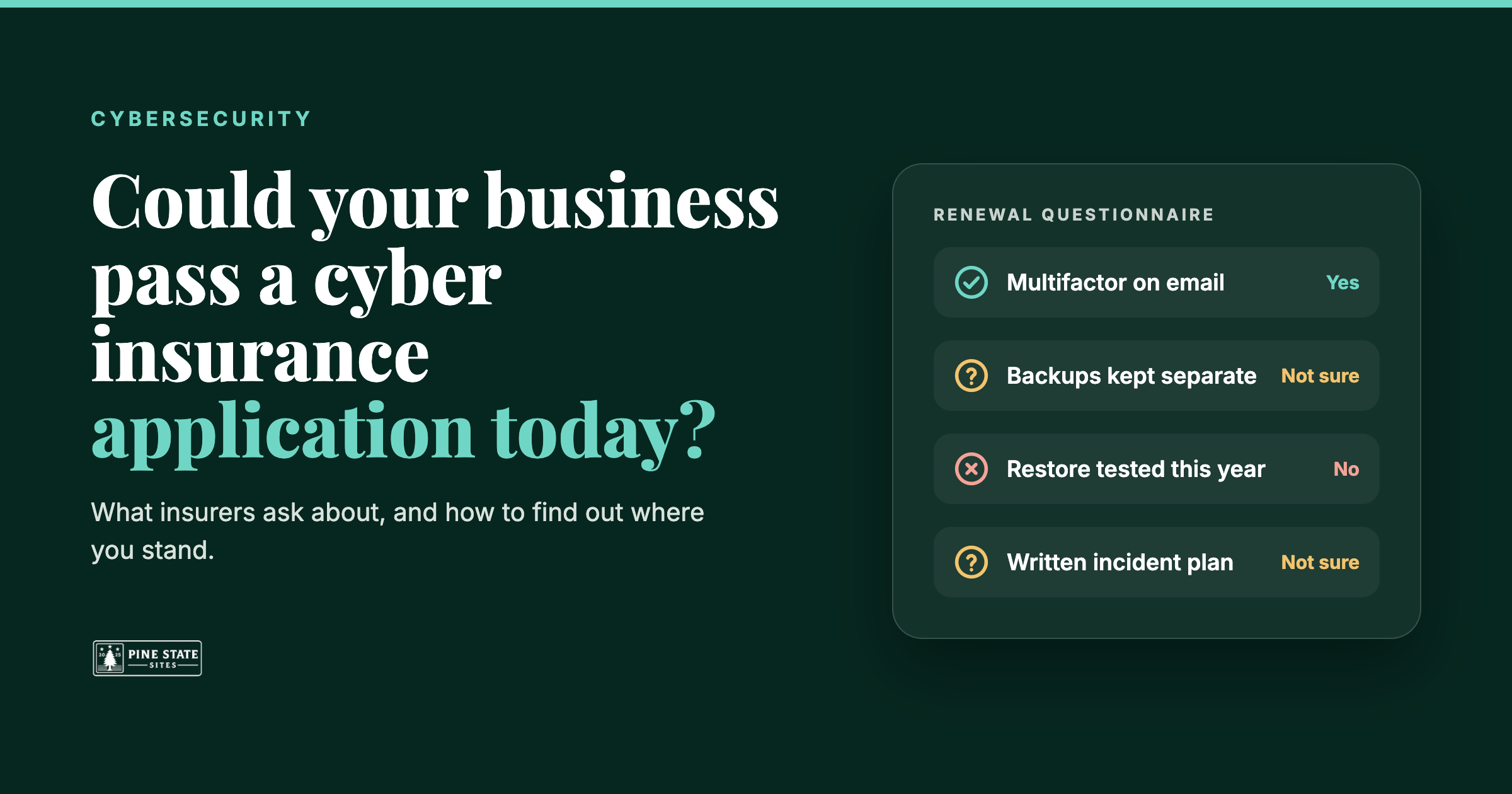
Do all of your employees use multifactor authentication to get into email? Are your backups stored somewhere an attacker on your network couldn't reach? When was the last time you actually restored something from them?
If you run a small office, a restaurant, or a chamber, there's a good chance nobody on staff knows the answers for sure. Maybe a nephew set up the computers. Maybe your last IT person moved away. The form wants a yes or a no anyway, and it wants it by the renewal date.
What the insurer is really asking
It helps to know why the questions are there. Insurers pay out on ransomware, stolen funds, and data breaches, and they've learned which habits make those claims more likely. Every question on the application is a stand in for one of those habits.
Picture a twelve person accounting office in Bangor. Someone gets a convincing email that looks like a Microsoft login page and types in their password. If that account has no second login step, the attacker is now reading the firm's email. That's why multifactor authentication tends to be one of the first things asked about, and why insurers often want it on email, on remote access, and on the admin accounts that control everything else. It works, too: Microsoft research found that turning on multifactor cut the risk of an account being compromised by more than 99 percent. In Microsoft 365 it's often a setting away.
Now say the attacker gets further and launches ransomware. The next thing that matters is whether the firm can get its files back without paying. Backups help, but only if the attacker can't reach them too, and only if someone has checked that a restore actually works. A backup drive plugged into the same network is often the first thing ransomware encrypts. That's the reason for those oddly specific questions about separate copies and tested restores. It's also exactly what the FBI, CISA and NSA tell businesses to do in their #StopRansomware Guide: keep offline, encrypted backups and regularly test that you can restore from them. If that's the piece you're missing, start with our backup and recovery service.
The rest of the form follows the same logic. Insurers want to know that computers get security updates within a reasonable window, and that none of them run an operating system the vendor no longer supports. They ask whether you have something better than basic antivirus watching for ransomware, ideally with a person paying attention to the alerts. They ask about email filtering and staff training because so many incidents start with one click.
One question surprises people: whether you call to confirm before changing where a payment goes. Fake invoices and "we've changed banks" emails cost businesses real money. The FBI's 2025 Internet Crime Report counted just over $3 billion in reported business email compromise losses in one year, from nearly 25,000 complaints. A quick phone call to a number you already have stops most of them cold. It's the cheapest control on the whole application.
The danger of checking "yes" to be safe
When you aren't sure, it's tempting to check yes and move on. Most of these things are probably set up, right?
The trouble is that the application isn't just paperwork. It's part of what the insurer relies on when it decides to cover you. If you have a claim and it turns out multifactor was never turned on for half the office, or the backups hadn't run in months, the insurer may push back on paying. That's the worst possible time to learn the answer was really "partly."
An honest "no" doesn't automatically mean you can't get coverage. Depending on the insurer and the control involved, it could affect your premium, your coverage terms, or whether something needs to be fixed before the policy is issued. But a guessed yes that turns out wrong can come back to bite you at claim time. If you don't know, the better move is to find out before you sign.
Find out where you stand in about five minutes
We built a free Cyber Insurance Readiness Check for exactly this situation. It asks 15 plain English questions covering the same ground most applications do: logins and access, backups and recovery, computers and updates, people and email, and your plans and procedures. You don't need to be technical to answer them, and "I'm not sure" is a perfectly good answer. It counts as a gap, because on an insurance form, that's what it is.
When you're done, enter your email and we'll send your results: a score for each area and a short list of the things an insurer is most likely to flag. If your renewal is coming up soon, that list gives you something concrete to work on, or to hand to whoever manages your IT.
While you're at it, try our free Email Security Check. It takes about ten seconds and looks at whether someone could send email that appears to come from your domain, which ties directly into the phishing and payment fraud questions above.
And if the results show more gaps than you'd like, that's what our cybersecurity services are for. Pine State Sites helps small businesses across Maine set up multifactor, protect their backups, and get the rest of the application in shape, so the next renewal is a form you can fill out honestly and with confidence. Get in touch and we'll walk through it with you.
Frequently asked questions
What do cyber insurers usually require from small businesses?
It varies by insurer, but most applications focus on the same handful of controls: multifactor authentication on email, remote access and admin accounts; backups kept separate from your network and tested; timely security updates on supported operating systems; protection beyond basic antivirus; email filtering; and yearly security awareness training. Many also ask whether you have a written plan for responding to an incident.
Do I need multifactor authentication to get cyber insurance?
With many insurers, yes. Multifactor on email and remote access is one of the most common requirements, and answering no can mean a higher premium, limited coverage, or a declined application. It's also one of the cheapest fixes, since Microsoft 365 and Google Workspace both include it.
What happens if I answer a cyber insurance application wrong?
Your answers are part of what the insurer relies on when it issues the policy. If one turns out to be wrong, the insurer may push back on paying a claim. If you aren't sure how to answer a question, check before you sign or ask your agent how to answer it honestly.
How can I check my cyber insurance readiness before renewal?
Our free Cyber Insurance Readiness Check asks 15 plain English questions across the five areas insurers focus on. You get a score for each area and a list of the gaps an insurer is most likely to flag. It takes about five minutes.